Volume Meshing
Stellarmesh also supports unstructured volume meshes generated with Gmsh.
[1]:
import tempfile

import build123d as bd
from IPython.display import Image

import stellarmesh as sm
/home/alex/Programming/stellarmesh/.pixi/envs/build123d/lib/python3.11/site-packages/pymoab/__init__.py:21: UserWarning: pkg_resources is deprecated as an API. See https://setuptools.pypa.io/en/latest/pkg_resources.html. The pkg_resources package is slated for removal as early as 2025-11-30. Refrain from using this package or pin to Setuptools<81.
  from pkg_resources import get_distribution, DistributionNotFound
[2]:
def render_mesh(mesh: sm.Mesh):
    """Render a Stellarmesh mesh to the notebook output."""
    with tempfile.NamedTemporaryFile(suffix=".png", delete=False) as tmp_file:
        mesh.render(tmp_file.name, rotation_xyz=(90, 0, -90), normals=0, clipping=True)
        display(Image(tmp_file.name, width=800))
[3]:
def build_torus_geometry():
    """Render a Stellarmesh mesh to the notebook output."""
    solids = [bd.Solid.make_torus(10, 1)]
    for _ in range(2):
        solids.append(bd.thicken(solids[-1].faces()[0], 1))
    solids = solids[1:]
    return sm.Geometry(solids, material_names=["a", "b"])
Volume meshing with Gmsh
Volume meshes are created using the VolumeMesh class. The mesh is configured using the GmshVolumeOptions options class.
Note: the overlaps seen in the below render are visual artifacts.
[4]:
geometry = build_torus_geometry()
options = sm.GmshVolumeOptions(max_mesh_size=1)
mesh = sm.VolumeMesh.from_geometry(geometry, options)
render_mesh(mesh)
X_ChangeProperty: BadValue (integer parameter out of range for operation) 0x0
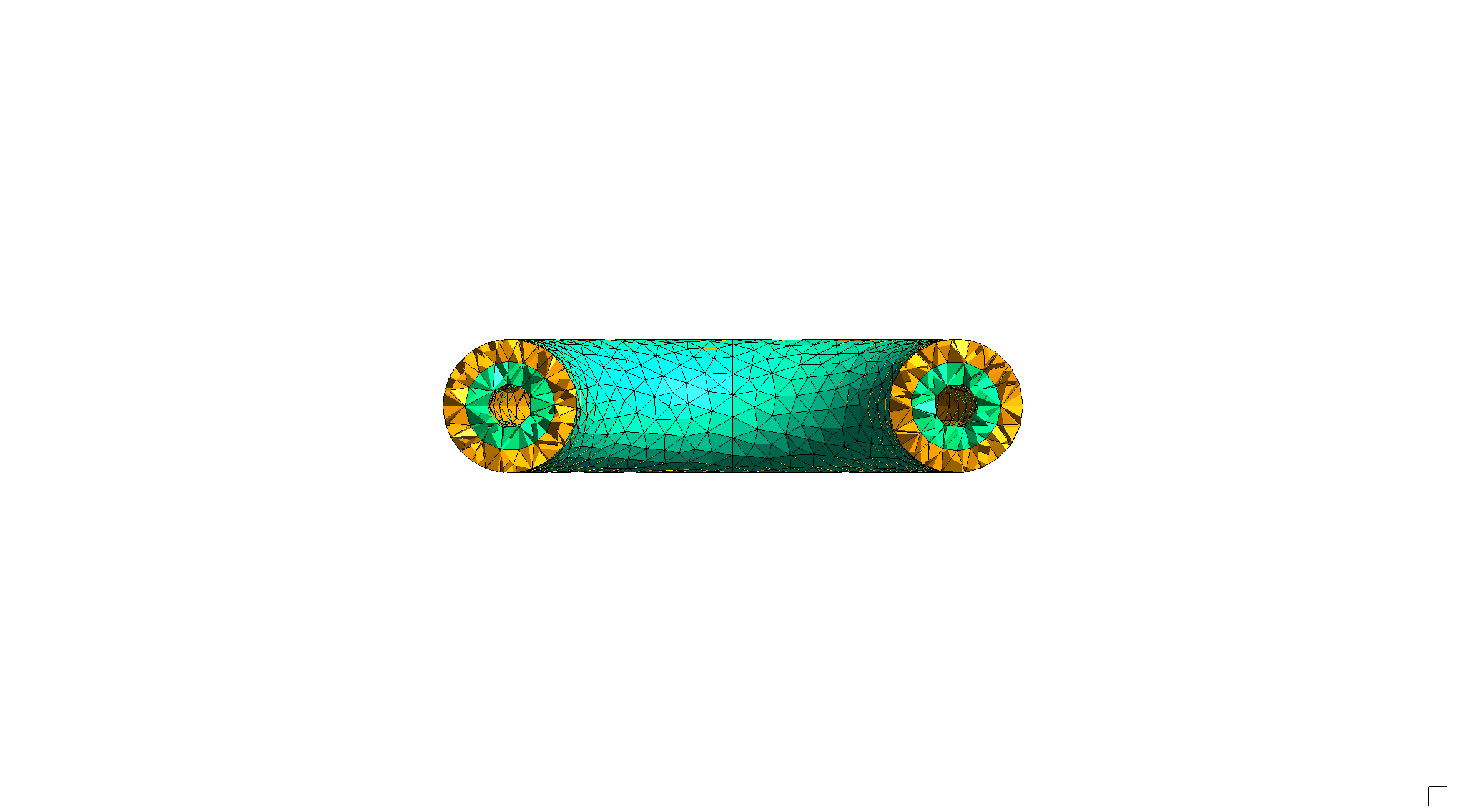
The mesh can be configured using many of the same options as GmshSurfaceOptions.
[5]:
geometry = build_torus_geometry()
options = sm.GmshVolumeOptions(curvature_target=10)
mesh = sm.VolumeMesh.from_geometry(geometry, options)
render_mesh(mesh)
X_ChangeProperty: BadValue (integer parameter out of range for operation) 0x0
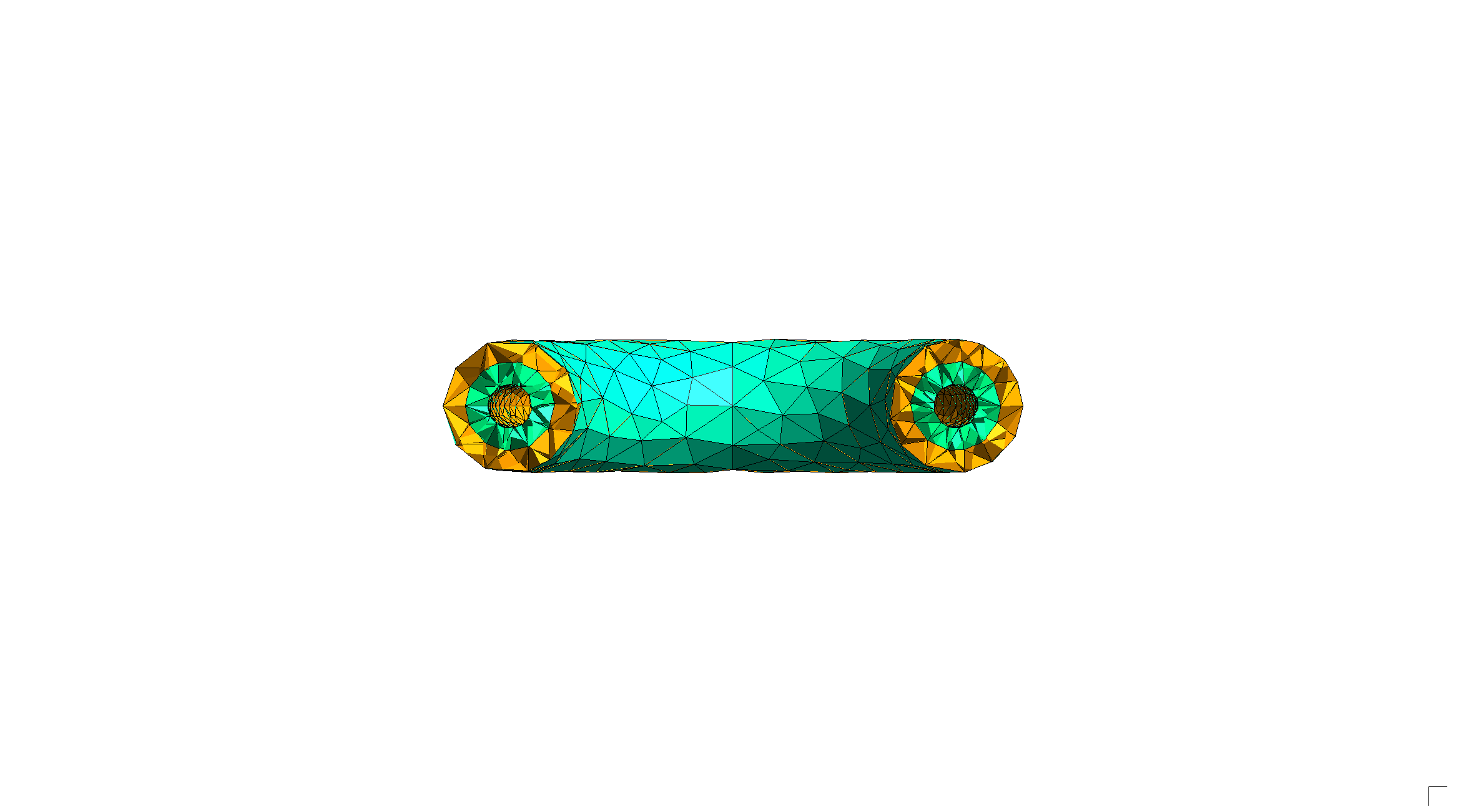
We can select from a number of surface and volume meshing algorithms with the algorithm2d and algorithm3d parameters.
[6]:
geometry = build_torus_geometry()
options = sm.GmshVolumeOptions(
    curvature_target=15,
    algorithm2d=sm.GmshSurfaceAlgo.MESH_ADAPT,
    algorithm3d=sm.GmshVolumeAlgo.FRONTAL,
)
mesh = sm.VolumeMesh.from_geometry(geometry, options)
render_mesh(mesh)
X_ChangeProperty: BadValue (integer parameter out of range for operation) 0x0
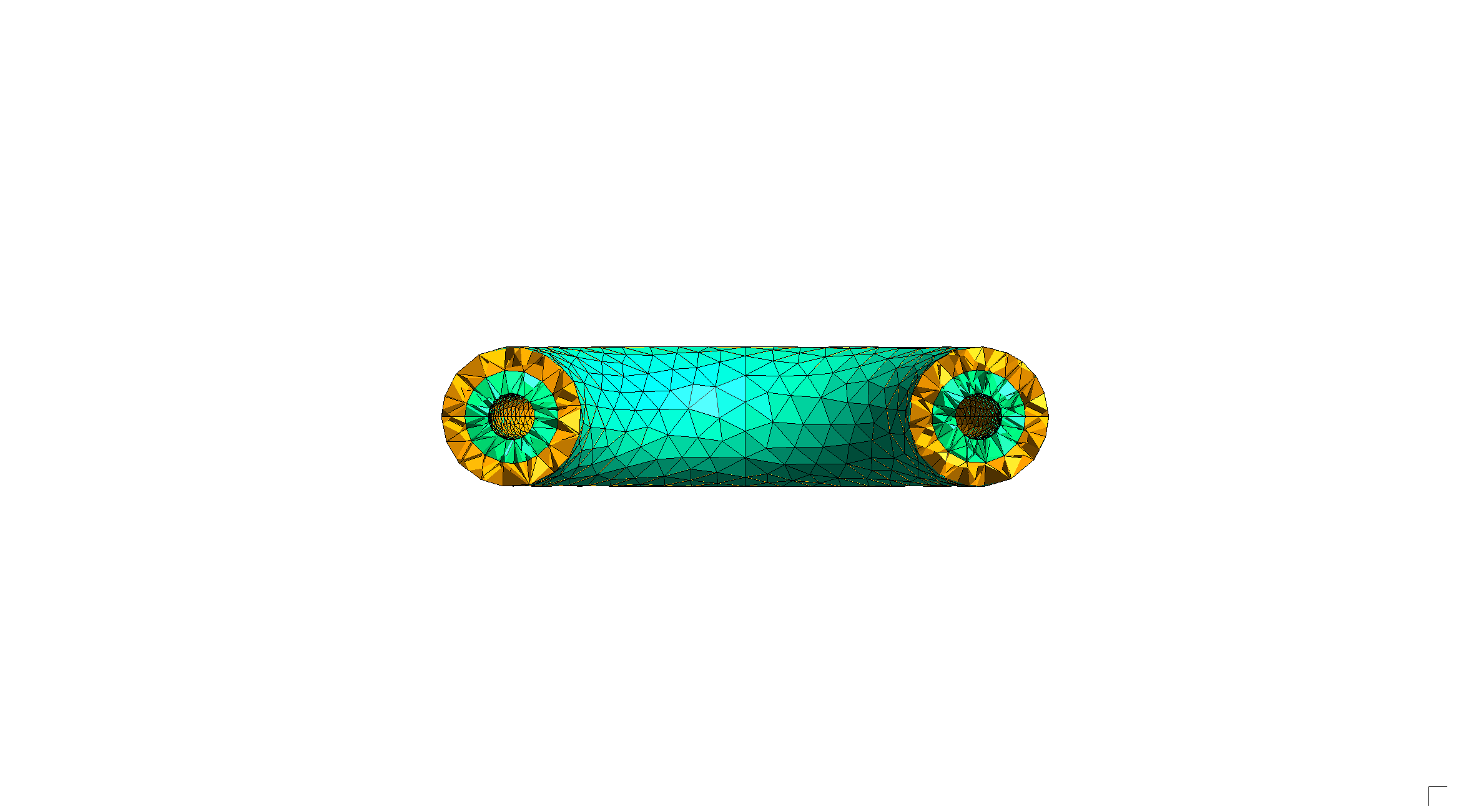
MOAB and LibMesh export
Unstructured volume meshes can be exported for analysis in OpenMC or elsewhere using both MOAB and LibMesh EXODUS files.
[8]:
# MOAB export
sm.MOABModel.from_mesh(mesh).write("torus3d.h5m")

# EXODUS export
mesh.write("torus3d.exo", use_meshio=True)